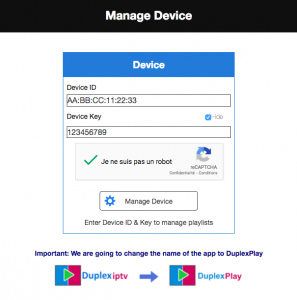
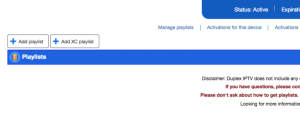
IPTV installation on the DUPLEX PLAY OR DUPLEX IPTV applicationadmin2021-01-29T12:54:00+00:00 1) You start by opening the application to obtain your application identifiers (device id and device key) 2) For this and as requested by the application, you must go to the site of>> Duplex Play from your smartphone or computer. 3) you enter the identifiers of your device. And click on manage device. 4) You click on Add Playlist 5) 1.You give your playlist a name. 2. You enter here your m3u link that you received from us 3. You click on save 6) Restart the Duplex Play application on your device. And you will find your subscription under the name you name it .